
!Ω Factorial Omega: My Dystopian Robot Girlfriend
Welcome to !Ω Factorial Omega: My Dystopian Robot Girlfriend, a adult experience for Windows, macOS, Linux, Android. Dive in and discover a world crafted to keep you coming back.
Press F to enable full screen - game works better this way, this can also fix issues with mouse not aligning with the UI.
Mods approved by the developers are posted in the #mod-releases channel on our discord.
↓↓↓ Windows, Android, Mac, Linux download below ↓↓↓
Downloadable version works better than the one in the browser!
THE NEW 0.97 UPDATE IS OUT!
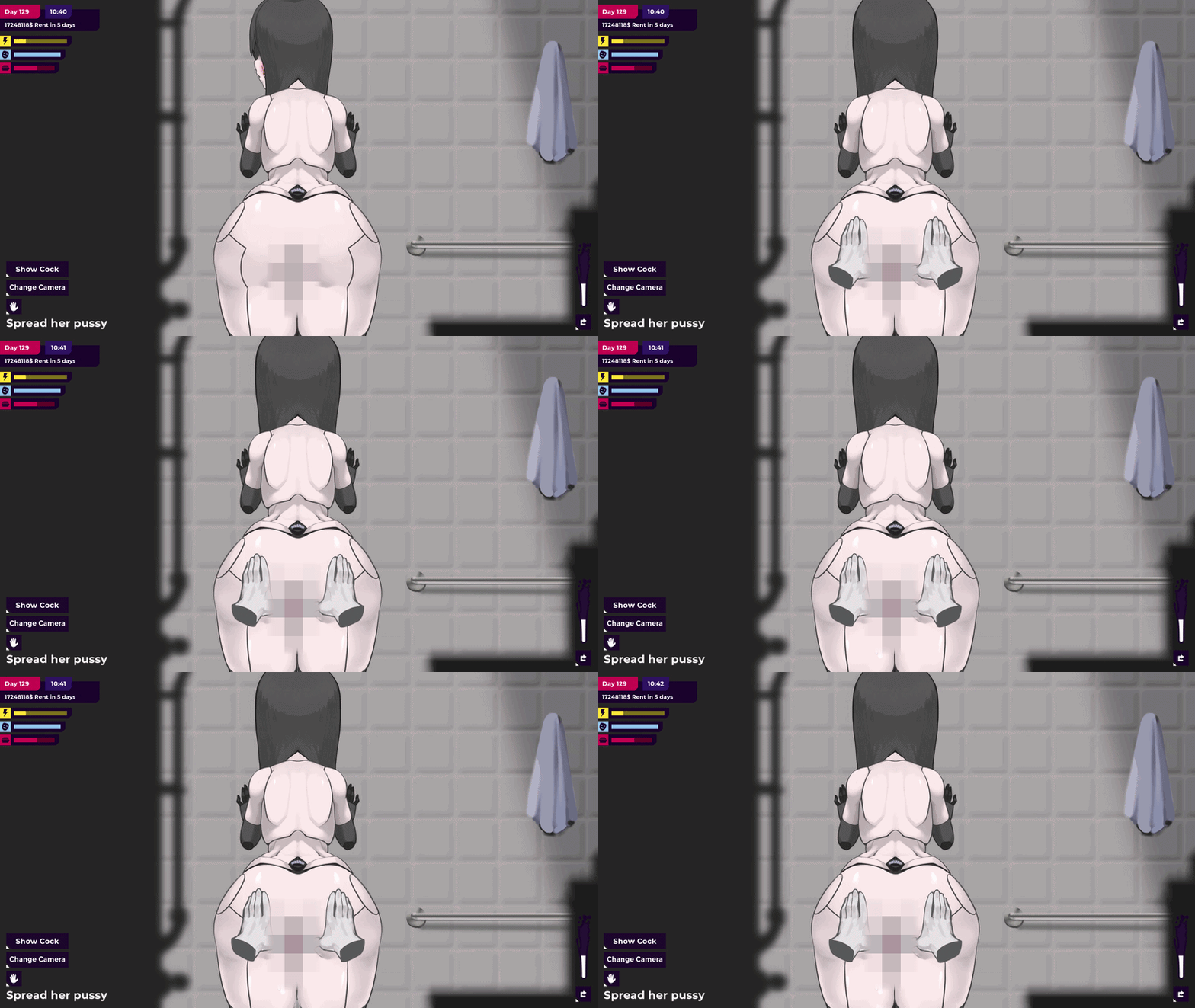
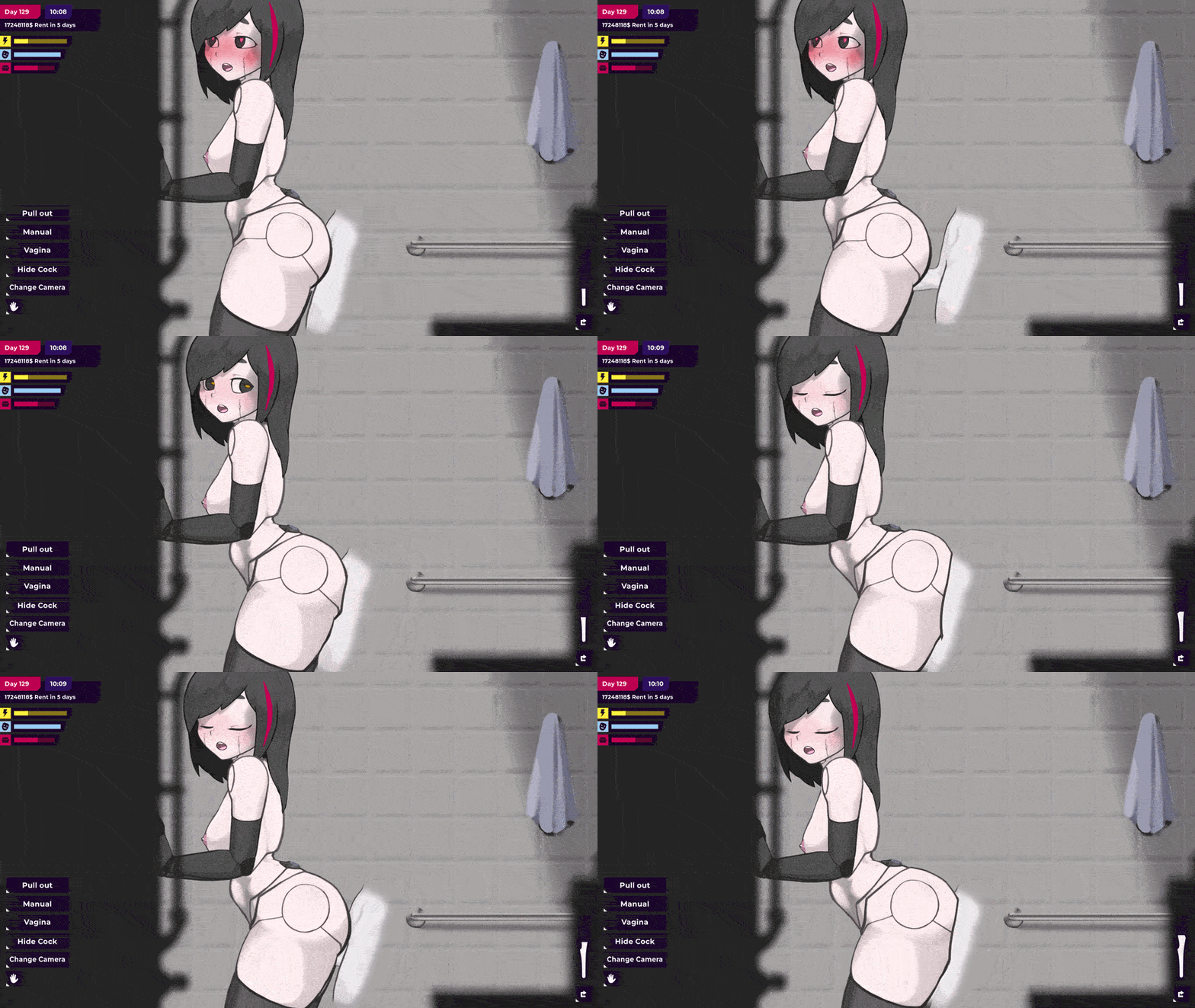
Brand-new update with the POV shower scene, more story and new customization is out!
Trailer of the new update:
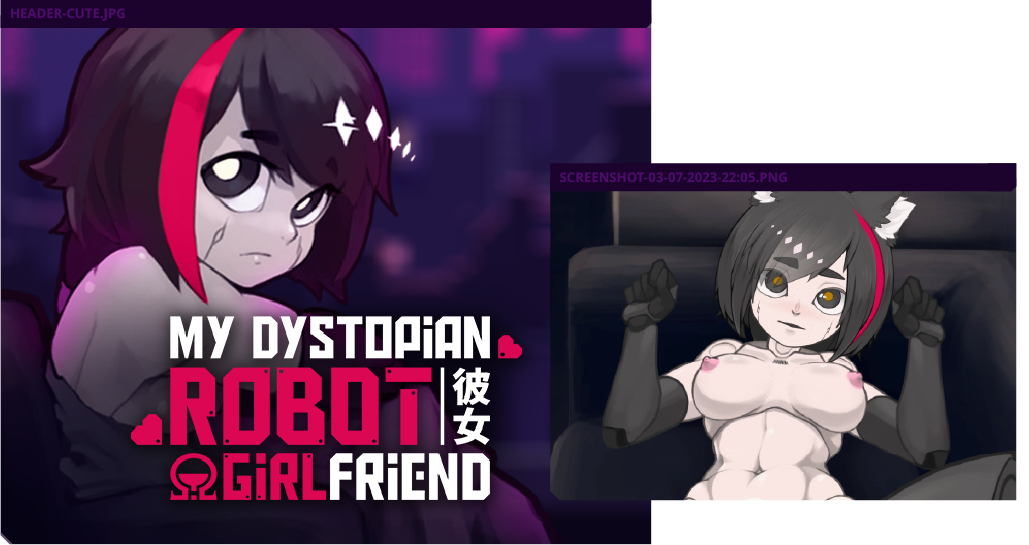

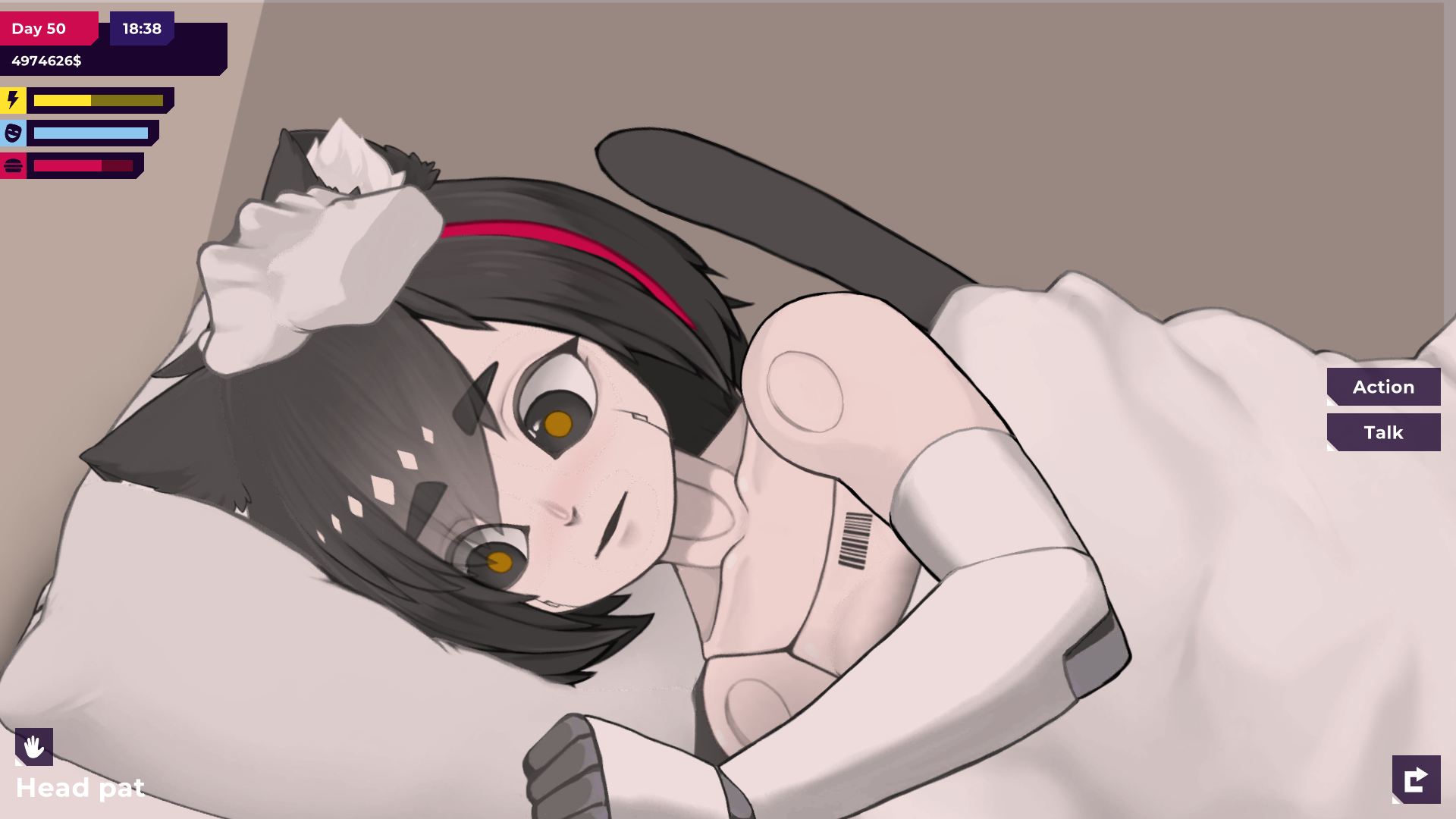
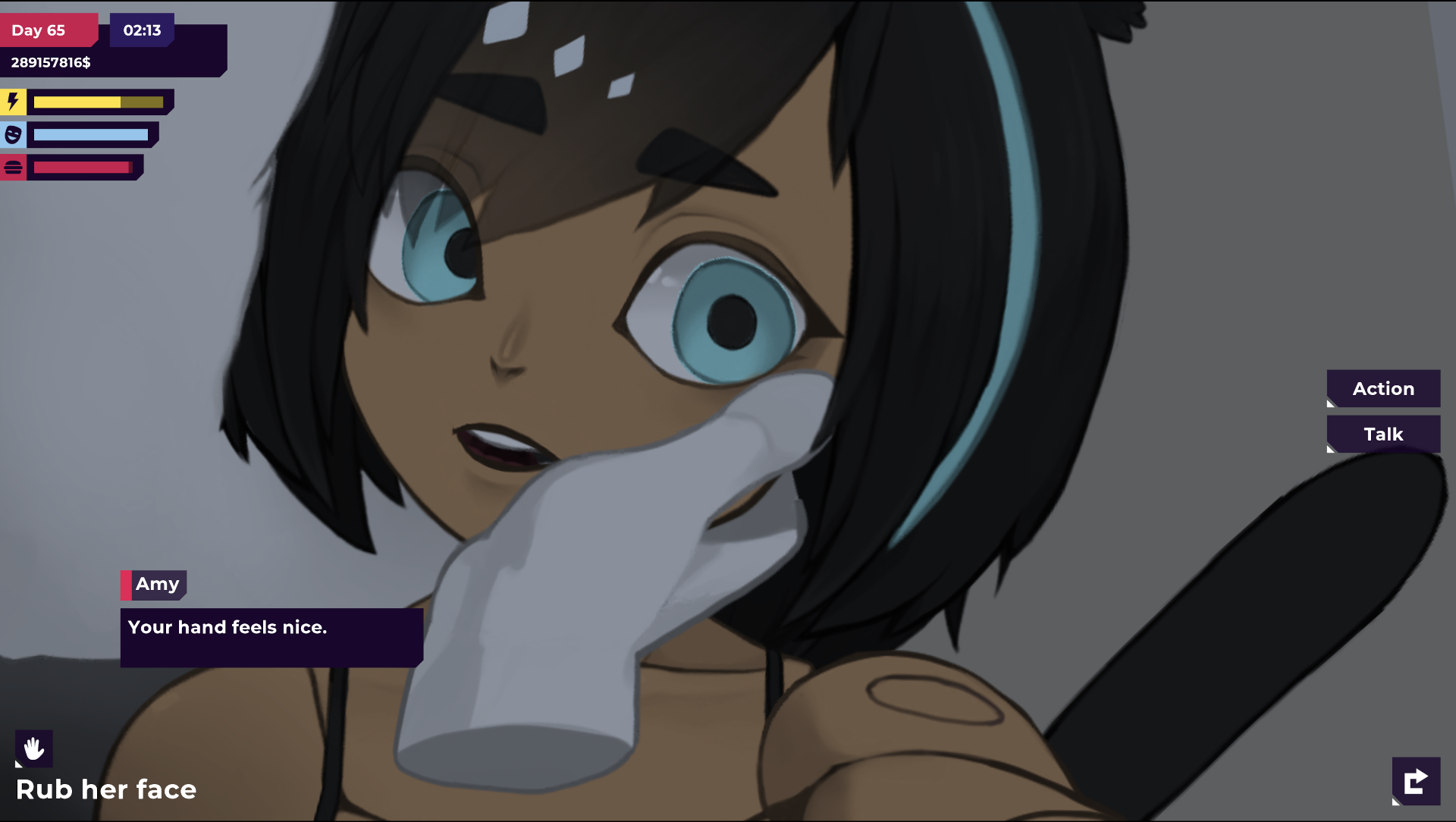
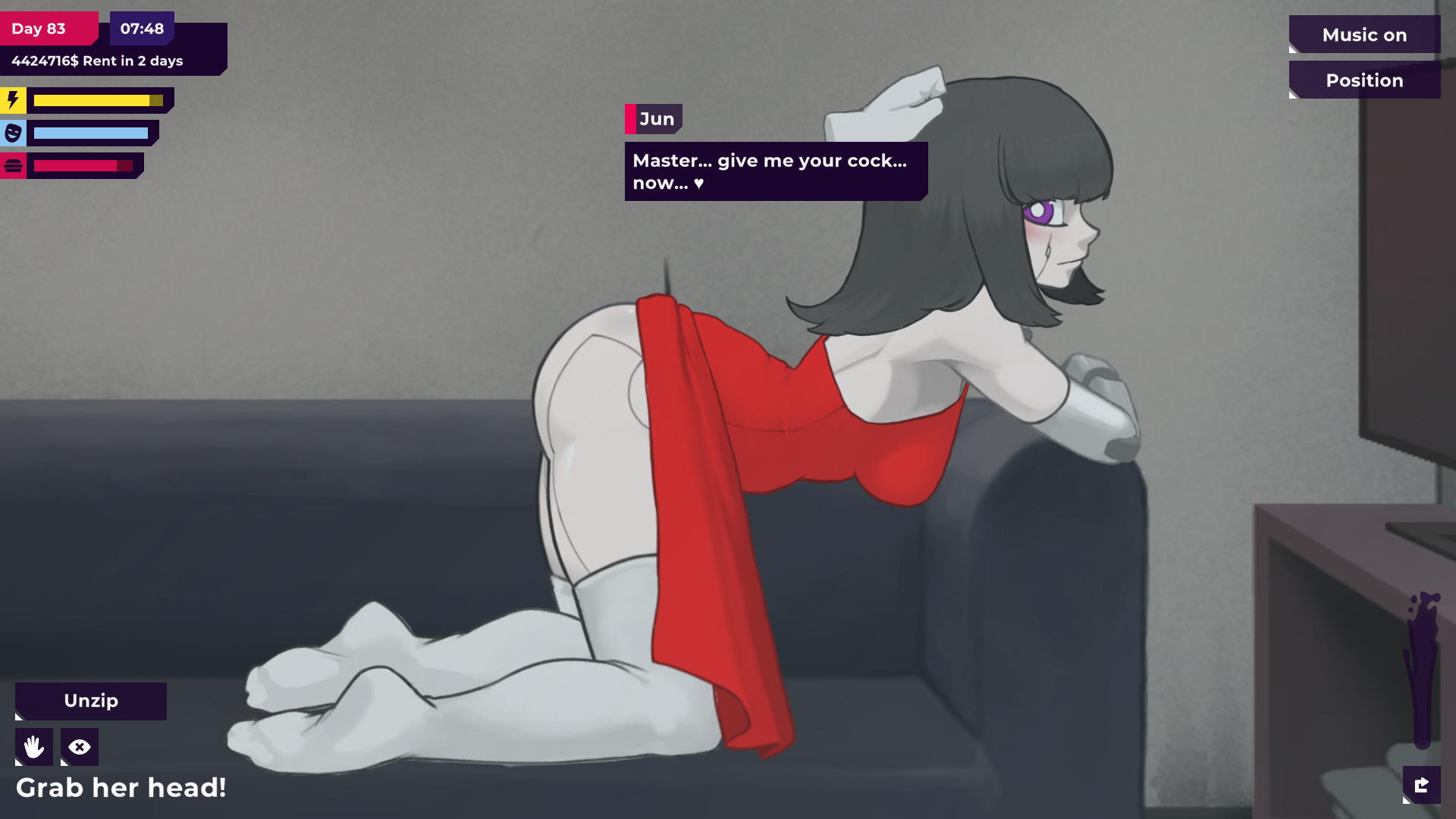
It's a unique simulator game with many game mechanics you probably haven't seen before:
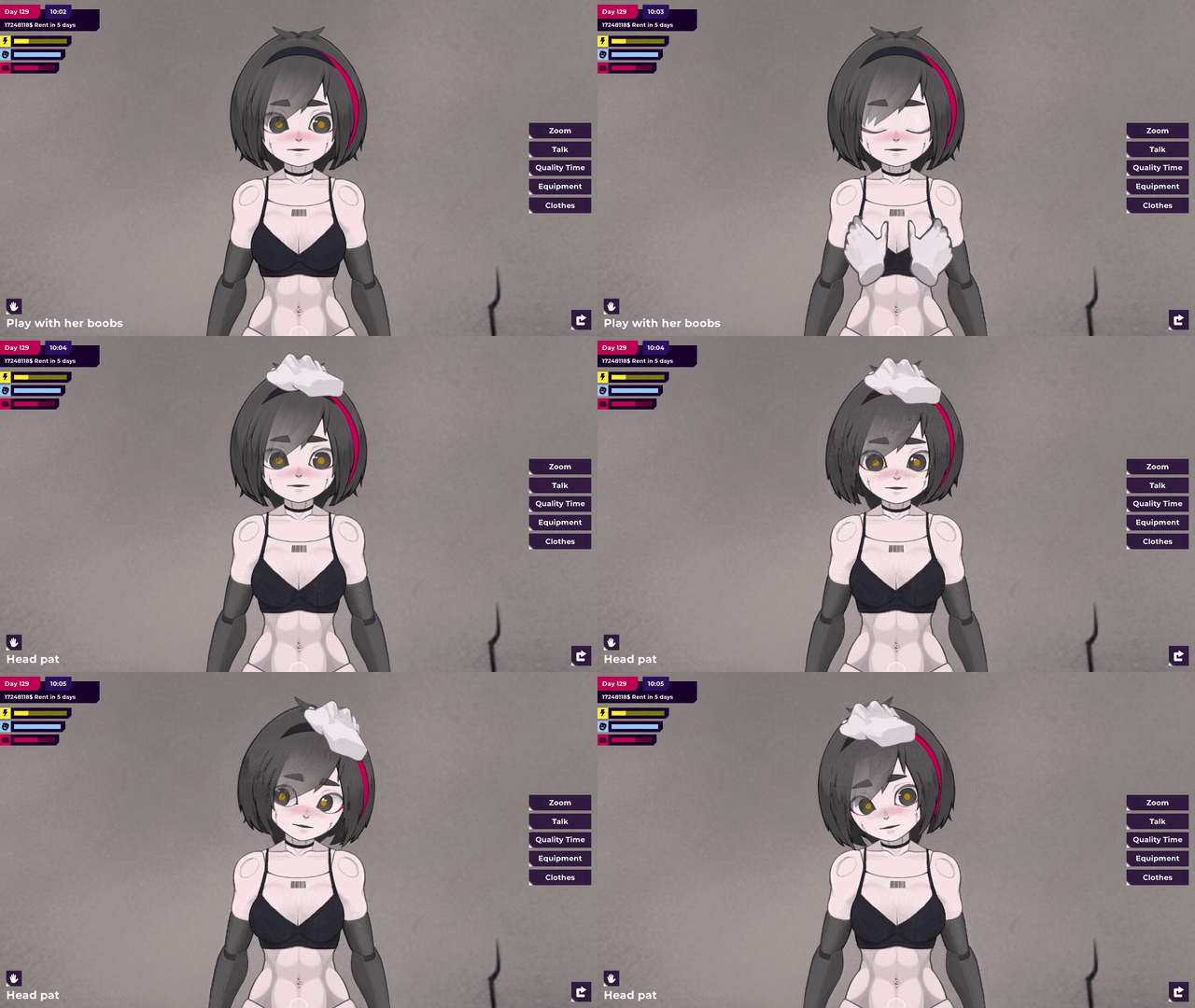
- Fully animated sex scenes using Live2D
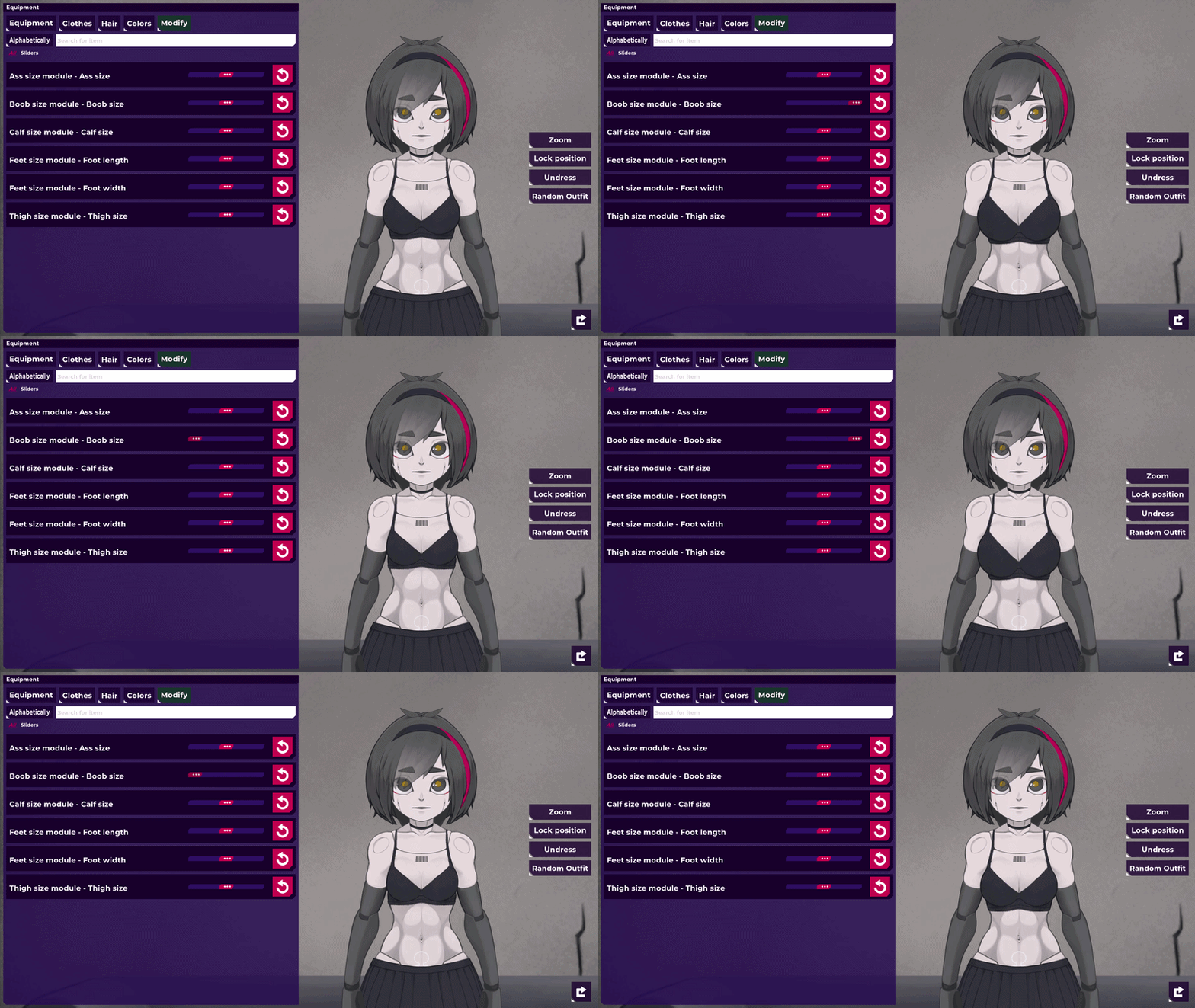
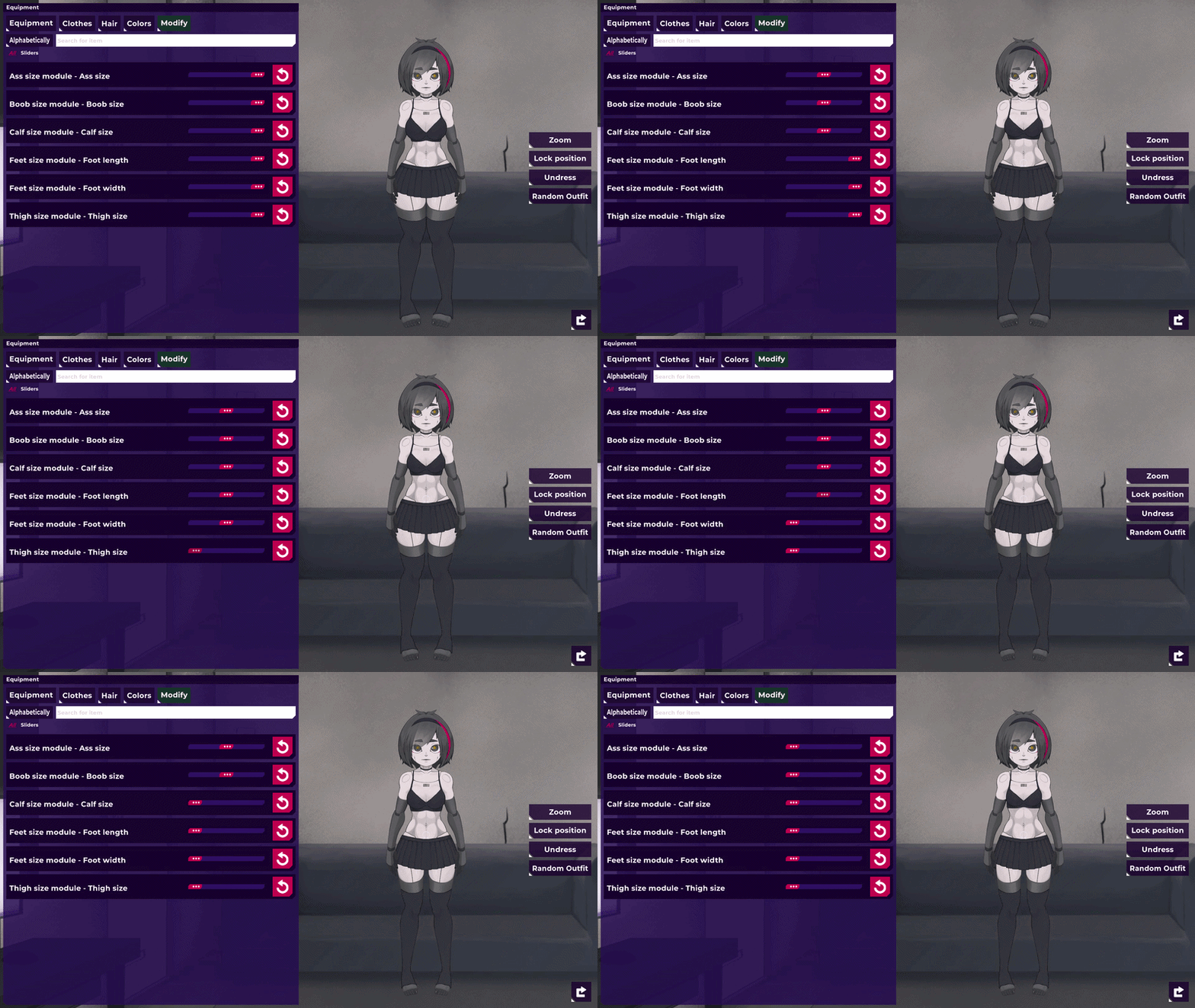
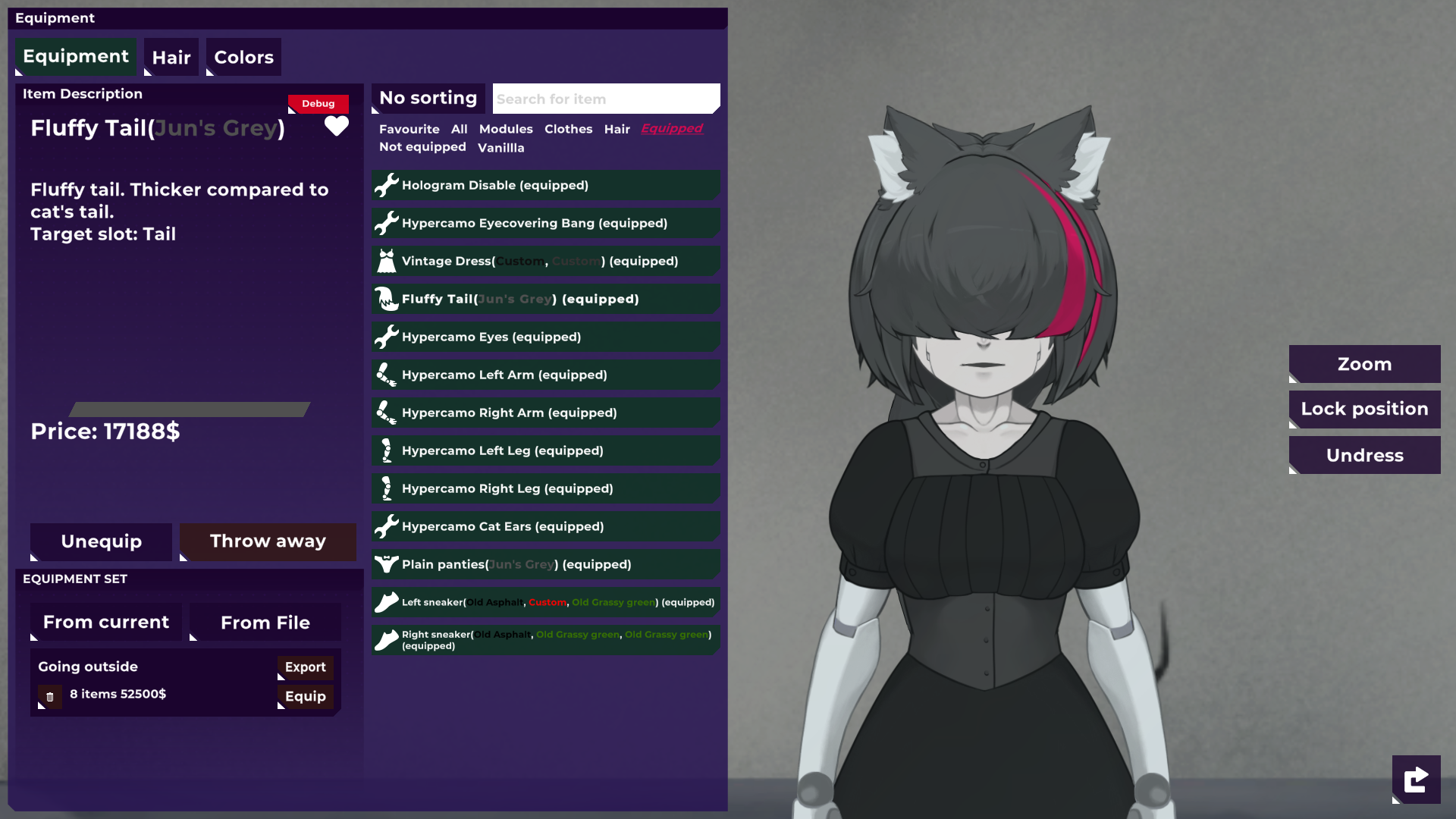
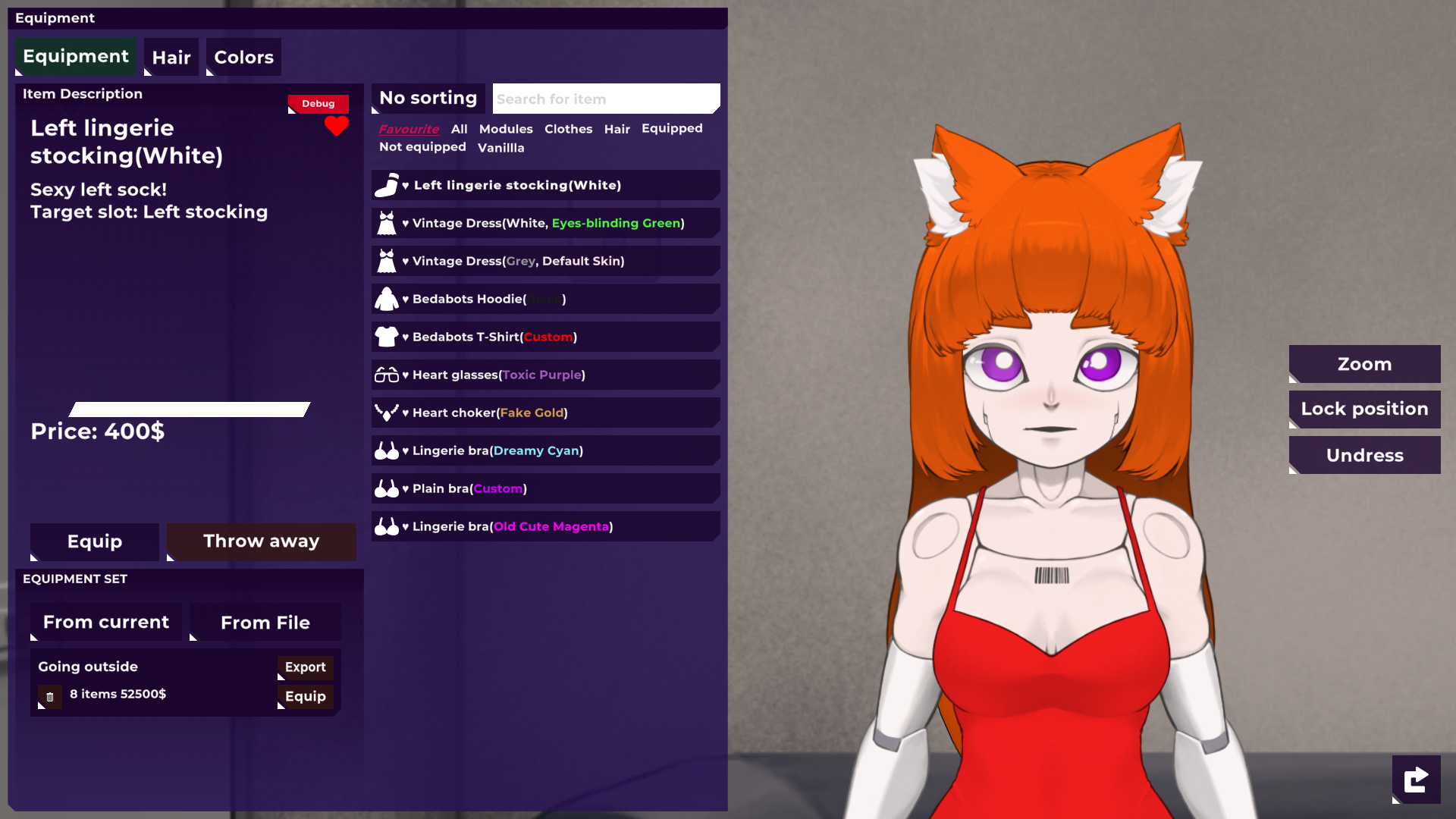
- Customize the bot to your liking with new parts
- Survival aspects which alter how your character perceives the world
- A fully functioning stock market simulation
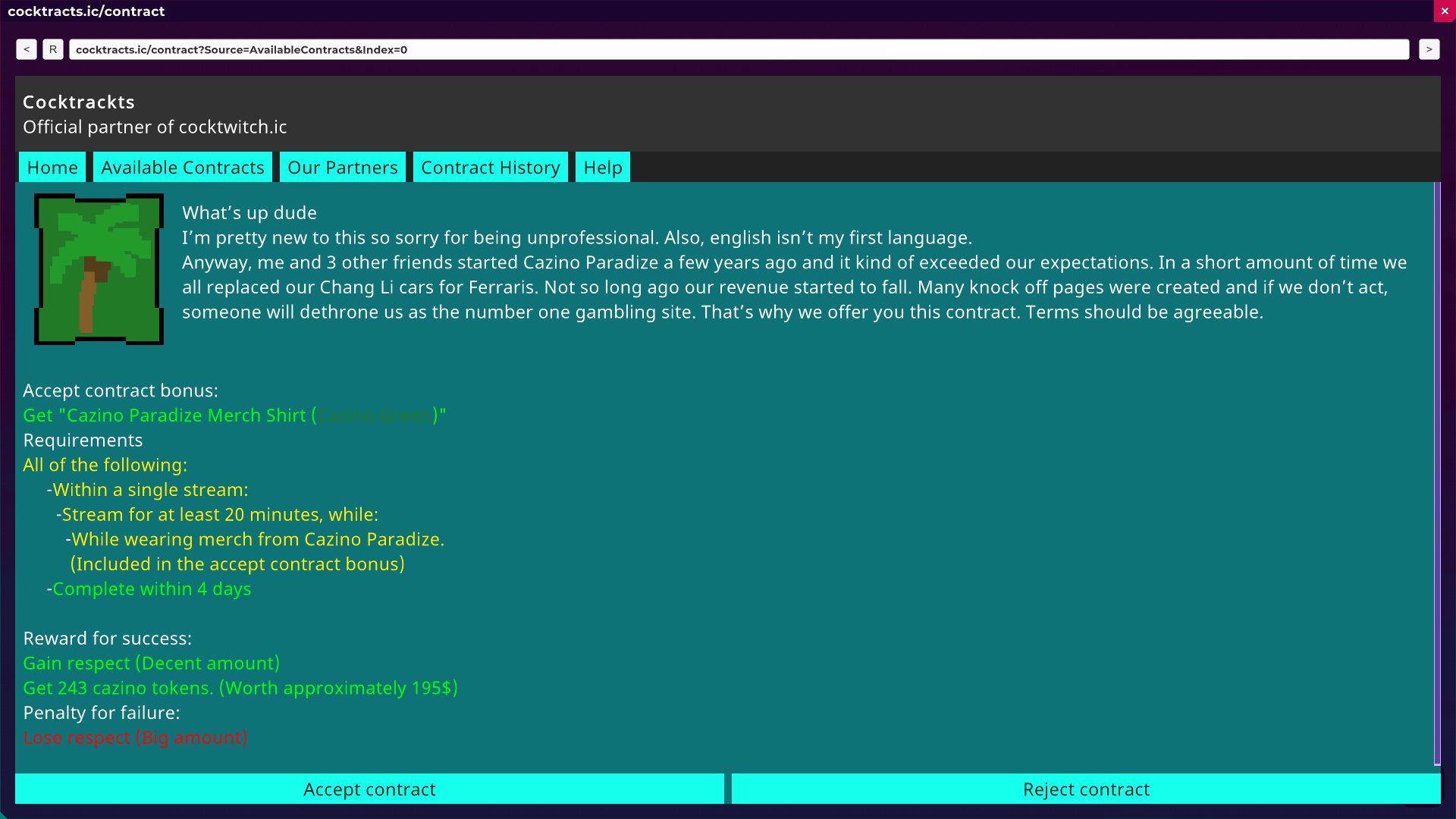
- Dynamic in-game stream simulator
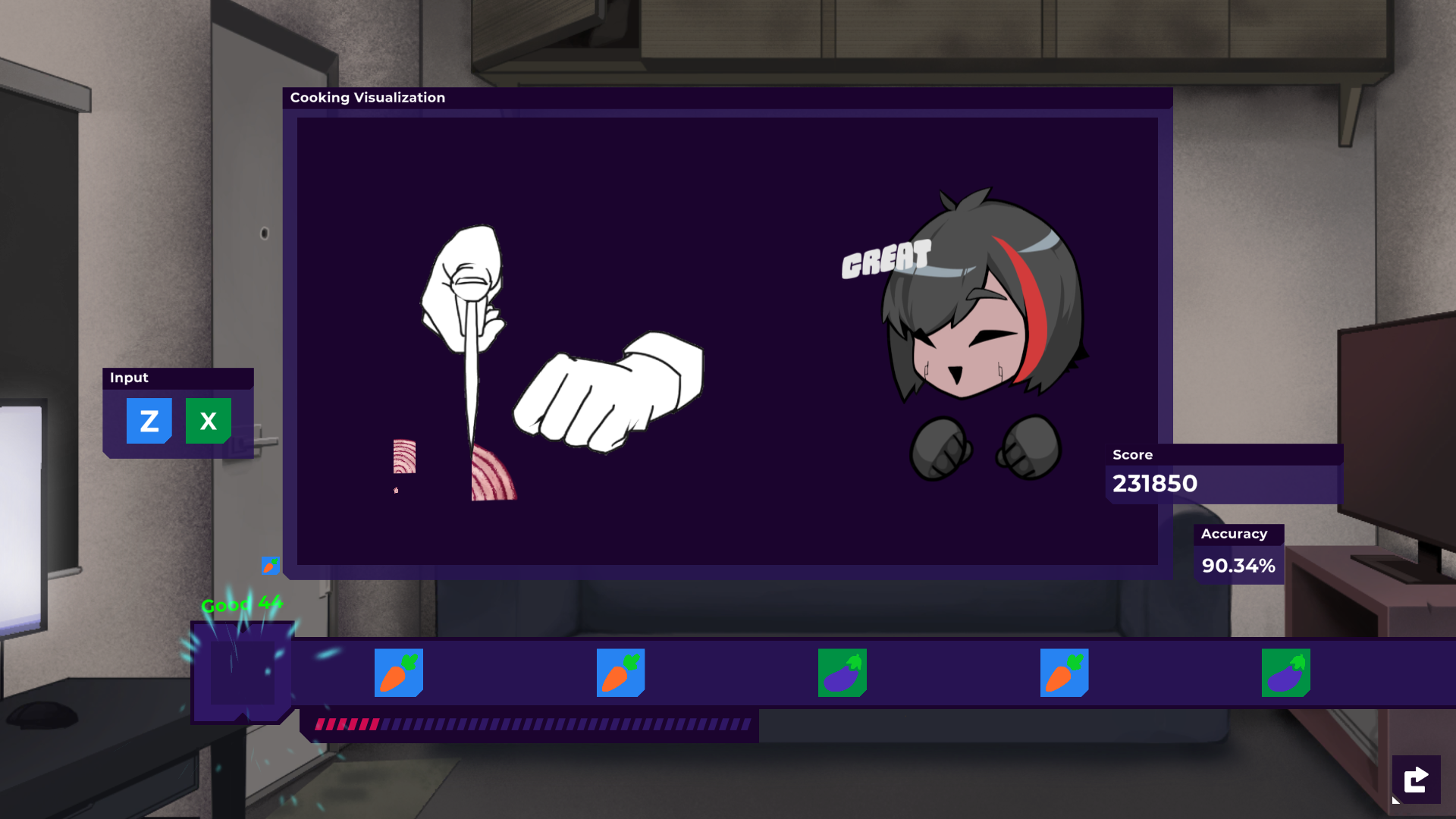
- Many easter eggs and minigames
- Customisable clothes
- Modding support
- Much more to come
The game wasn't really designed to be played on android, but a couple of people asked for an android port, so we decided to build it for android as well, so the buttons will be a bit small and annoying. Sorry! We highly recommend playing on windows, mac or linux instead.

Or if you prefer on SubscribeStar.
Logo and UI created by Szymon Furjan.
We allow streaming the game on websites like Chaturbate. Feel free to do so.
↓↓↓ Windows, Android, Mac, Linux download below ↓↓↓
Explore more and see why !Ω Factorial Omega: My Dystopian Robot Girlfriend stands out.
Install instructions
Installing
Follow this if you're playing the game for the first time.
Windows(PC, Laptop)
- Download the "PC(Windows) - My Dystopian Robot Girlfriend"
- Extract the zip file. (video guide)
- Double click the "My Dystopian Robot Girlfriend.exe", it is in the extracted folder.
Android(Phone)
- Download the "Phone(Android) - My Dystopian Robot Girlfriend"
- Install the apk. (video guide)
- Open the app!
Linux, Mac
- Download the right version.
- Extract the zip file.
- Run the game! (On Mac you might have to read the instructions in game's folder and do some extra stuff)
IOS(iPhone)
You cannot run this game on IOS, because Apple doesn't allow porn games. You can *try* to run it in the browser, but it's not recommended. There's many issues.
Updating
The game does not update automatically. Download the new version from this page when an update is released.
Windows, Linux & Mac
Just install the new version the same way as before. Your saves will transfer automatically because they are stored outside the game folder.
Tip: For extra safety, follow the Android backup steps below before updating.
Android
Just install the new version the same way as before. If you must uninstall the old version first, always back up your saves using the steps below.
- Open the old version of the game.
- Go to Main Menu → Load → To File
- Save the file somewhere safe (e.g. your Downloads folder).
- Install the new version (you can usually install over the old one).
- Open the new version.
- Go to Main Menu → Load → From File and select your saved file.